First Meeting · · 6 min read
Heavy PDFs Don’t Get Opened: Share 3D Solar Designs by Link After the First Meeting
Indian customers live on WhatsApp. If your design doesn’t open easily on a phone, it doesn’t get seen.
This article is part of our series How to Close Solar Deals in the First Meeting. It covers one of the most common challenges Indian EPCs face — and how a 3D solar draft, built during the meeting, helps you solve it before you leave.

The challenge
A 15 MB PDF with CAD screenshots is hard to open on a mobile, impossible to rotate and easy to ignore. Customers want to show the design to family — and struggle to.
A design that isn’t viewed can’t close a deal.
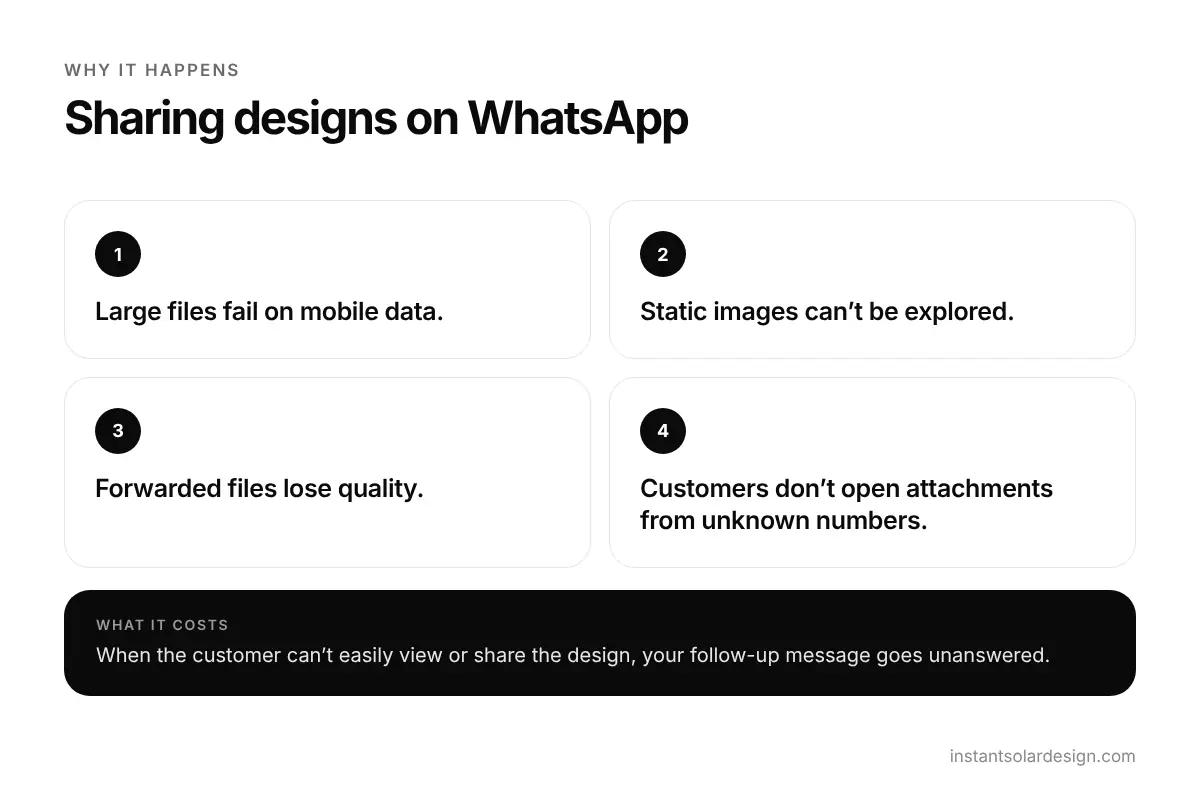
Why it happens
- Large files fail on mobile data.
- Static images can’t be explored.
- Forwarded files lose quality.
- Customers don’t open attachments from unknown numbers.
What it costs your EPC
When the customer can’t easily view or share the design, your follow-up message goes unanswered.
How a 3D solar draft solves it in the first meeting
Share high-quality 3D output as a link. Customers open it on their phone, rotate the model and forward it to family.
- High-quality 3D output.
- Shareable link.
- Works on mobile.
- Linked to the lead in the mini CRM.
Link sharing is built into Solar Designer and SolarDraft, so there is nothing to export or compress before you send it.
First-meeting playbook: 5 steps
- Build the 3D solar draft in the meeting.
- Copy the share link.
- Send it on WhatsApp with a short message.
- Ask the customer to open it while you’re still there.
- Follow up by referring to the 3D link.
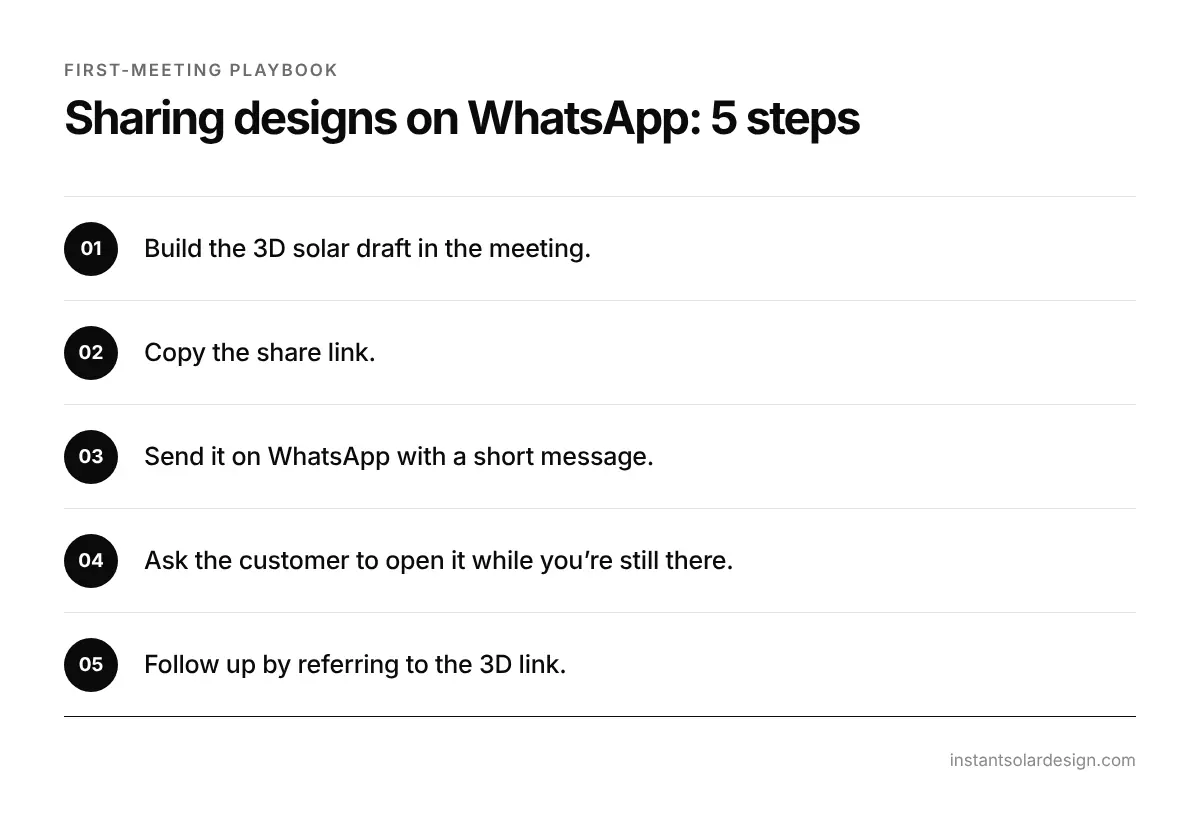
Send the link while you’re still with the customer — and make sure it opens.
Solar draft vs traditional first meeting
| Traditional first meeting | With a 3D solar draft | |
|---|---|---|
| What the customer sees | Brochure & price list | Their own roof in 3D |
| Energy estimate | Rule of thumb | Energy report with losses |
| Proposal | Sent 2–3 days later | Built in the meeting |
| Absent decision makers | Hear it second-hand | Open the 3D link |
| Typical outcome | “Let me think about it” | Decision today |
Related reading
- The complete first-meeting playbook for solar EPCs
- Is Your Solar Proposal Costing You Deals? Build Professional Proposals in the First Meeting
- How to Measure and Improve Your Solar First-Meeting Close Rate
- Best Solar Design Software in India (2026): SolarDraft, Solar Designer, Arka360, SolarLadder, Reslink & SurgePV Compared
Need the design done for you?
Send the site — get a 3D design back in 24 hours.
Instant Solar Design delivers white-labelled 3D models, shadow analysis and generation reports from ₹500 per project.
Order a design →Frequently asked questions
Can I share 3D solar designs on WhatsApp?
Yes — most 3D design tools give you a shareable link that opens on any phone.
Can customers rotate the 3D model?
The 3D output is interactive, so customers can explore it.
Is a link better than a PDF?
For mobile customers, a link is lighter and easier to open and forward.